The open ocean is the immense body of water beyond the coast and above the seafloor—a living, three-dimensional realm shaped by light, depth, pressure, temperature, currents, and migration.
See Open Ocean Ecosystem clearly
Select any thumbnail to open the unobstructed full-size image in a separate window.
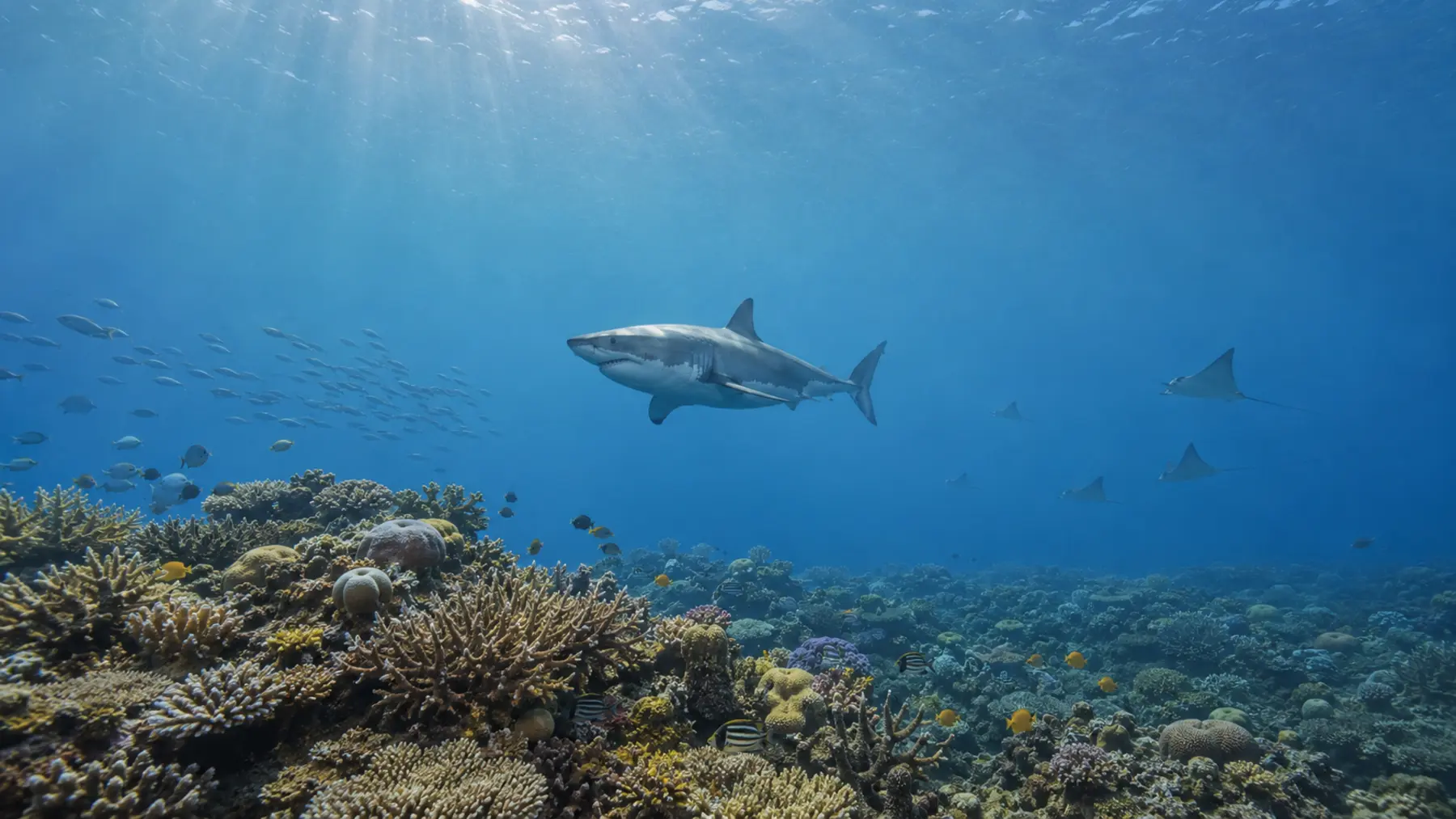


A habitat without shorelines
Many pelagic organisms spend their lives surrounded by water, rarely or never contacting the coast or seabed. Food, shelter, breeding opportunities, and migration routes can all be found within the moving water itself.
Layers of light and depth
Scientists describe the open ocean in depth zones. The sunlit epipelagic supports photosynthesis; the dim mesopelagic marks the transition toward darkness; the bathypelagic lies beyond sunlight; and deeper abyssal and trench waters extend toward the greatest ocean depths.
Life on the move
Plankton, jellyfish, squid, sharks, tunas, seabirds, whales, and countless smaller animals are connected by currents and food webs. Many organisms migrate vertically each day, rising toward the surface to feed under darkness and descending again by daylight.
Why the open ocean matters
Microscopic producers help support ocean food webs and influence the planet’s carbon and oxygen cycles. Pelagic predators connect distant regions, while deep-water communities recycle nutrients through layers that people rarely see.
Pressures and stewardship
Climate change, warming, acidification, deoxygenation, industrial fishing, noise, vessel traffic, plastics, and other pollution can reach far from shore. Protecting migratory species and open-ocean processes requires cooperation across regions and national boundaries.
A living record
This BCDE habitat profile uses original educational copy informed by established open-ocean ecology. Reference context: Oceana’s Open Ocean overview.